
How to Find and Block Risky Pincodes for COD: 5 Steps
A method for pincode RTO: rank your PIN codes by RTO rate, set a minimum number of orders before you act, choose between verify, prepay only and block, and see where each can be enforced.
 By Nitish KumarOct 31, 2026 • 7 min read
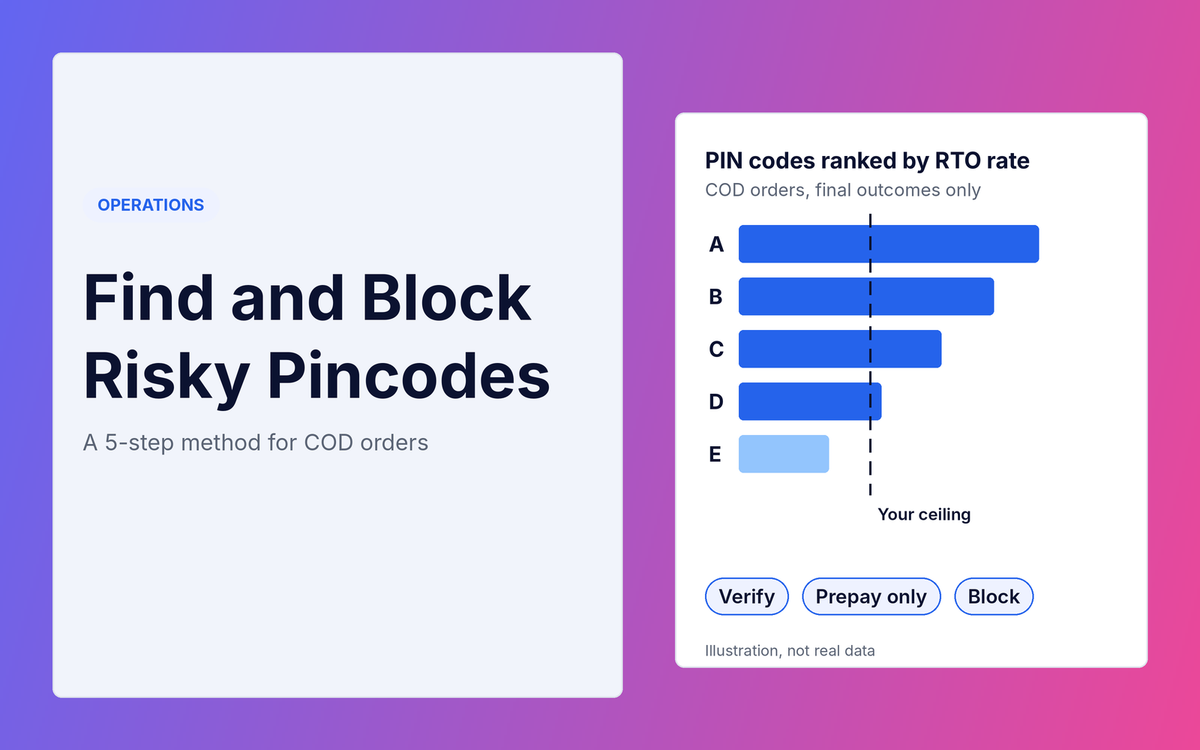
Pincode RTO is the share of orders to one PIN code that come back undelivered. Most stores have a few PIN codes that return far more than the rest, and most do nothing about them because they cannot tell which ones are really bad. This post is a method, not a list of causes. You will rank your PIN codes by RTO rate, decide how many orders you need before you act, choose between three actions, and see where each one can be enforced. To see why PIN codes go wrong in the first place, read 5 Common Reasons for RTO in E-commerce.
What counts as a risky PIN code?
Two different problems get the same label, and they need different fixes.
- A non-serviceable PIN code is one your courier does not deliver to, or delivers to badly. The fix sits with the courier: check its serviceability list, or move those orders to another courier.
- A risky PIN code is one your courier does serve, but where your orders keep coming back. This post is about these. The fix sits with your COD rules.
Checking that a PIN code is valid at checkout is a third, separate step. I cover it in How to Reduce RTO Without Removing COD.
Step 1: Build one table of COD orders and their outcome
You need one row per order with its PIN code and what happened to it. Shopify's order export has the PIN code but no RTO column. I checked the column list on Shopify's help page: it includes Name, Created at, Total, Financial Status, Payment Method and Shipping Zip, and nothing on delivery outcome. Take the outcome from your courier or shipping dashboard and match it to Shopify by order number.
- Use COD orders only. Prepaid RTO is a different problem, as I show in What Is a Good RTO Rate?. Mixing them hides the PIN codes you care about.
- Keep one row per order. In Shopify's export an order with several items spreads over several rows, and many fields are blank on the extra rows. Check your own file and keep only the first row of each order.
- Count only orders with a final outcome: delivered, or RTO received. Orders still in transit would make every PIN code look better than it is.
- Pick a period such as the last 3 to 6 months. That is my suggestion, not a standard. Longer gives you more orders per PIN code, but older data may no longer describe your couriers.
Step 2: Rank PIN codes by RTO rate
Make a pivot table with the PIN code in the rows and, as values, the count of final orders and the count of RTOs. Then add a column:
RTO rate = RTOs ÷ final orders
Sort by RTO rate. Do not act on this list yet. A PIN code with two orders and one RTO sits at the top with 50%, and it proves nothing.
Step 3: Set a minimum number of orders before you act
A small sample can show a high rate by luck. Shipway's FY25 report, as covered by Media Infoline, only ranked cities that had at least 5,000 non-prepaid orders. Your PIN codes will have far fewer, so you need a rule that fits small numbers.
The rule I use is to work out a range around each rate and look at its low end. The range is called a Wilson interval, and it widens when the order count is small. For a 95% range, put the final orders in B2, the RTOs in C2 and the rate in D2, then use:
Low end: =(D2+1.96^2/(2*B2)-1.96*SQRT(D2*(1-D2)/B2+1.96^2/(4*B2^2)))/(1+1.96^2/B2)
High end: =(D2+1.96^2/(2*B2)+1.96*SQRT(D2*(1-D2)/B2+1.96^2/(4*B2^2)))/(1+1.96^2/B2)
I tested both formulas in a spreadsheet and they match a separate calculation. The low end tells you the lowest rate that is still plausible for that PIN code. Act when the low end is above your ceiling.
Your ceiling is your break-even RTO rate, which I explain how to work out in What Is a Good RTO Rate?. Example, not real data: a store with M = ₹400, A = ₹150 and C = ₹130 has a break-even rate of 47%.
| PIN code | Final orders | RTOs | RTO rate | Range (low to high) | Against a 47% ceiling |
|---|---|---|---|---|---|
| X | 50 | 33 | 66% | 52% to 78% | Low end above 47%: act |
| Y | 6 | 4 | 67% | 30% to 90% | Too few orders: wait and collect more |
| Z | 40 | 20 | 50% | 35% to 65% | Range crosses 47%: not sure |
| W | 60 | 12 | 20% | 12% to 32% | High end below 47%: leave alone |
This is an example, not real data. Notice that Y has the highest rate in the table and is the one you should do least about.
Step 4: Choose the action
Match the action to how sure you are, because each one costs you something.
- Verify. For PIN codes where the range crosses your ceiling (like Z), confirm the order before you ship it. The cost is staff time, and some buyers will not answer.
- Prepay only. For PIN codes where the low end is above your ceiling (like X), keep selling there but offer online payment only. Genuine buyers can still order.
- Block. Stop selling there altogether only if prepay-only still leaves you losing money, or your courier cannot serve the area. It costs you every genuine order from that PIN code.
Weigh each choice with the net gain test in How to Reduce RTO Without Removing COD: RTOs prevented times C, minus genuine orders lost times M. A PIN code with many genuine buyers and a rate only just above your ceiling is usually a verify, not a block.
Step 5: Enforce it where it can actually be enforced
A decision on a spreadsheet changes nothing until a system acts on it. These are the places I could confirm from a named source. I did not test any app.
-
Your COD provider. Cashfree's documentation says COD can be blacklisted by PIN code, one at a time or from a CSV upload. The CSV must be under 500 KB and have a column named
pincode. This applies only if you use Cashfree's COD product. - Shopify's payment customization. Shopify's developer documentation says a payment customization function can rename, reorder and hide the payment methods shown at checkout. Its input includes a postal code and the customer's number of orders, so an app built on it can hide COD for a PIN code. The page I read lists the billing address zip; I could not confirm there that the shipping zip is available, so ask any app which address it checks. I did not check plan requirements.
- Shopify's own COD setting. Shopify's help page on manual payments, which includes cash on delivery, does not mention limiting it by location. One app vendor's blog says Shopify's shipping zones cannot be set to PIN codes. That is a vendor claim and I could not find it in Shopify's own documents, so treat it as unconfirmed and test it in your store.
- Your courier. For a non-serviceable PIN code, remove it from the courier's list or route those orders to another courier, if your account allows it.
Whatever you choose, tell shoppers why on the cart or checkout page, for example "Cash on delivery is not available for this PIN code. You can pay online." A silent change looks like a broken checkout.
How often should you re-run it?
Re-run the table every month on a rolling window, and let PIN codes move between actions. A PIN code that was risky three months ago may have improved because you changed courier, and one that was fine may have turned. Before you act on a block, check your overall rate with the free RTO Cost Calculator to see what each point of RTO is worth to you.
Risky pincodes: frequently asked questions
How do I find high RTO PIN codes?
Export your COD orders, add the delivery outcome from your courier, and rank PIN codes by RTO rate. Then look at the low end of each range, not just the rate, so a PIN code with a handful of orders does not fool you.
How many orders does a PIN code need before I act?
There is no single number. I found no published rule, and the only threshold I found was for cities, not PIN codes: Shipway's FY25 city ranking used at least 5,000 non-prepaid orders per city. Use the range method above, which sets the bar from your own data.
Can I block a PIN code on Shopify?
Through an app built on Shopify's payment customization, or through your COD provider if it supports it, such as Cashfree's PIN code blacklist. I could not confirm a built-in Shopify setting for it.
Is blocking COD for a PIN code better than prepay only?
Prepay only is gentler, because genuine buyers can still order. Block only if prepay-only still loses money or the courier cannot deliver there.
Your action checklist
- Export COD orders for the last 3 to 6 months and add each order's final outcome.
- Rank PIN codes by RTO rate in a pivot table.
- Add the low end and high end columns.
- Work out your break-even RTO rate.
- Mark each PIN code as act, verify, wait or leave.
- Enforce the action in one system you can confirm, and show shoppers a clear message.
- Re-run it next month.
Your next step: Build the PIN code table from your last 90 days of COD orders and mark the PIN codes whose low end is above your break-even rate.
Sources: Shopify Help Center, exporting orders; Shopify Help Center, manual payment methods; Shopify, Payment Customization Function API; Cashfree, blacklist COD; Shipway ShipNotes FY25, as reported by Media Infoline (29 Jul 2025); Meetanshi's blog post on limiting COD by location (vendor claim only).